Permissions for users and groups
Use the Permissions setting to define which users or user groups are allowed to access a drive or device.
This setting defines the actual access rights of a rule.
Configuration in DOC: Security Controls -> Drives -> Configuration -> Drive rules or Devices -> Configuration -> Device rules
Example:
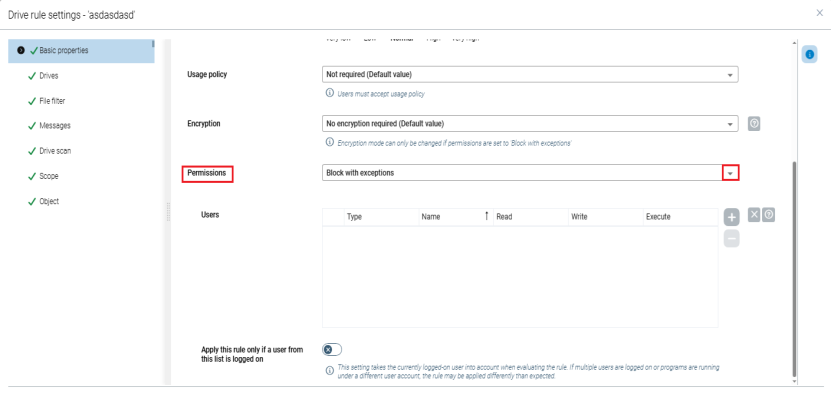
Available options
-
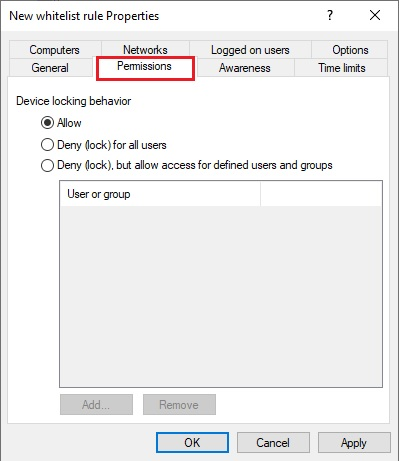
Allow: Any authenticated user can access the drive or device.
-
Block: Access to the drive or device is blocked for all users.
-
Block with exceptions: Access to the drive or device is blocked by default. Exceptions with individual access rights can be configured for defined users or user groups.
For each user or user group, you can specify whether read, write, or execute access is allowed.
Use
 to add additional users or user groups to the list.
DriveLock Management Console (DMC)
In the DriveLock Management Console (DMC), the configuration is performed on the Permissions tab within the corresponding rule.