User notifications (DOC)
Configuration: DOC -> Security Controls -> Agent settings -> User notifications
In the DriveLock Operations Center (DOC), you can configure the notifications displayed by the DriveLock Agent when security policies are enforced or actions are blocked.
Notifications can be defined in multiple languages and customized to suit your organization's requirements.
You can also create custom notifications. Custom notifications are enabled by default in the DOC.
Add languages
If no languages have been configured yet, a corresponding message is displayed.
To configure notifications, click Add languages and select one or more languages.
Saving languages
Adding a language alone does not save the configuration.
After adding a language, you must edit at least one notification and click Save. The newly added language is not saved until you do so.
Edit a notification
After adding languages, you can edit notifications for various functional areas, such as Drive Control, Device Control, or Application Control.
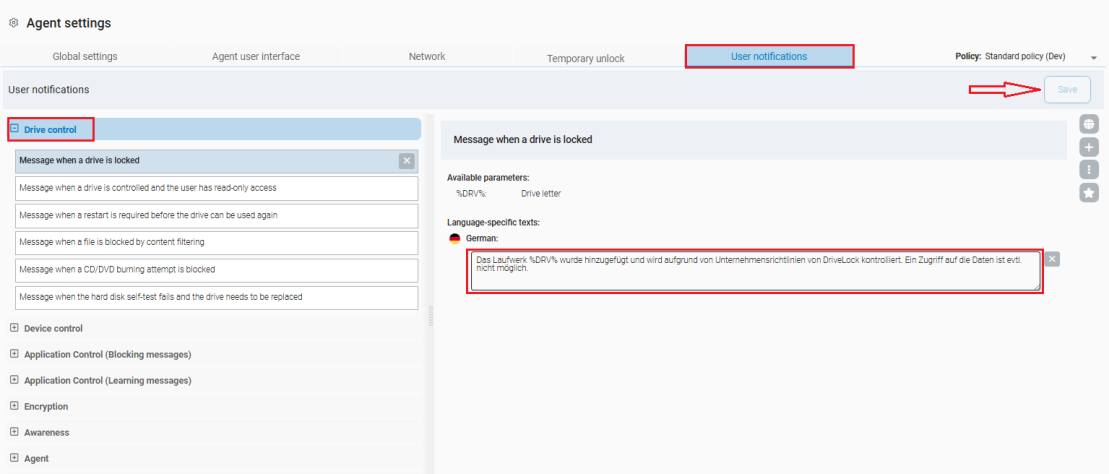
Select a notification and modify the text for the desired language. Your changes take effect after you click Save.